Earnest Money Deposits: Simplify Tracking & Payments with QuickBooks® (QBO)
Manage Earnest Money Deposits Easily with QuickBooks® Online (QBO)
 Today Payments is an Authorized Reseller of Intuit offering a highly robust app that supports both QuickBooks’ desktop and online customers, provide merchants with the tools they need so they can focus more time on their customers and businesses, and less time on data entry.
An Earnest Money Deposit (EMD) is a
crucial part of any real estate transaction, demonstrating a buyer’s
commitment to purchasing a property. With QuickBooks® Online (QBO),
real estate agents, escrow companies, and property managers can
track, manage, and reconcile earnest deposits seamlessly,
ensuring accuracy and compliance.
Why Use QuickBooks® (QBO) for Earnest Money Deposits?
✅ Automated Invoicing & Payment
Requests – Quickly generate and send an invoice for earnest
deposits.
✅ Real-Time Payment Tracking –
Monitor incoming deposits directly in QuickBooks Online (QBO).
✅ Error-Free Reconciliation – Automatically match
payments with property transactions.
✅
Professional Record-Keeping – Maintain detailed earnest
deposit receipts for legal and tax purposes.
✅
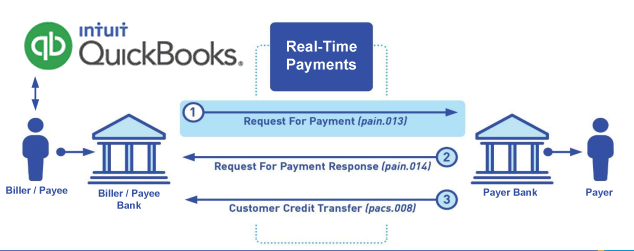
Seamless Integration – Connect QBO with FedNow® or RTP®
Real-Time Payments for instant deposit transfers.
í ½í²¡ Using QuickBooks® for earnest deposits eliminates manual tracking, ensuring faster and more efficient transactions.
How to Process Earnest Money Deposits in QuickBooks® (QBO)
1�⃣ Create an Earnest Deposit Invoice
- Log in to QuickBooks Online (QBO) and select "Create Invoice."
- Label it as "Earnest Money Deposit" with the property details, deposit amount, and due date.
2�⃣ Accept Payments via QuickBooks® Payments, FedNow®, or RTP®
- Enable ACH transfers, bank payments, or real-time transactions.
- Buyers can pay directly using FedNow®, RTP®, or a linked bank account for instant deposits.
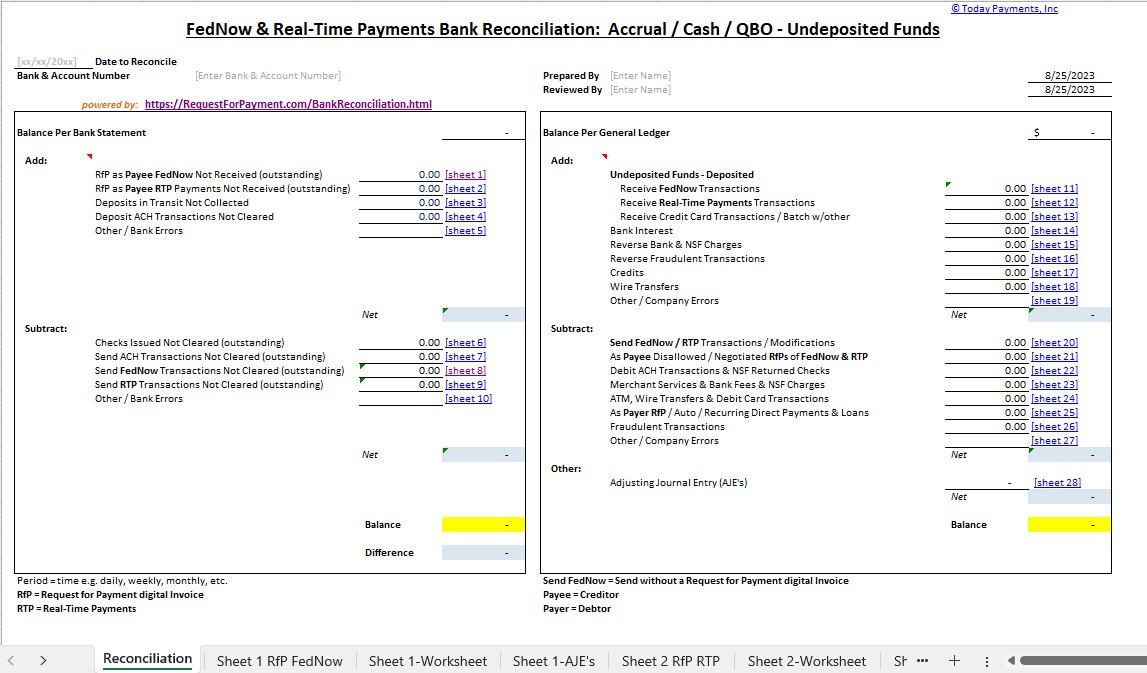
3�⃣ Reconcile Transactions Automatically
- When the deposit is received, QuickBooks® matches it to the invoice, marking it as PAID.
- Generate a payment receipt for the buyer, seller, and escrow account.
The Benefits of Using QuickBooks® Online for Earnest Deposits
í ½í³Œ Faster Payment Processing
– No delays from checks or wire transfers.
í ½í³Œ
Secure Transactions – Protects against fraudulent payments and
chargebacks.
í ½í³Œ Better Financial Visibility –
Tracks earnest money deposits, refunds, and expenses in
real-time.
í ½í³Œ Compliance-Ready Documentation –
Generates detailed financial reports for accounting and tax
purposes.
í ½í²¡ QuickBooks® Online (QBO) ensures that real estate professionals can handle earnest deposits smoothly, reducing paperwork and improving cash flow.
Final Thoughts: Simplify Earnest Money Deposits with QuickBooks® (QBO)
í ½í²³ Using QuickBooks® for earnest deposits streamlines payments, reduces errors, and enhances real estate transaction security.
í ½í³Œ Start tracking earnest deposits in QuickBooks® today! í ½íº€